Stop being intimidated by AI.
Not a chat with files. A workspace with AI.
A sample to play with
Go on, have a play.
A pretend business, all set up inside. Click around and ask Pip for help. Nothing you do leaves your browser.
Pip's made for a Mac, so the playground needs a bigger screen. Open this page on your laptop to have a go.

Hi, nice to meet you. I'm Hayden, and I build Pip.
AI was built by tech people, for tech people. I love what it can do, but I was fed up bending myself to fit it. Most AI puts itself at the centre, so you pour your thinking into a chat box and wait to see what comes back. I wanted the work to take centre stage, with AI alongside it like a great colleague, there to draft, edit and take things off your hands, while you keep hold of the thinking and the final say.
Never lose your work again.
In most AI apps, everything you make ends up in a long list of chats. In Pip, it's saved in folders you organise, so you can always find it again.
In a chat appeverything is a chat
Your chats
- Ideas for the newsletter
- Rewrite this product description
- Help with my prices
- Workshop email
- newsletter again
- Caption for Instagram
- Sales figures
- Can you check this?
In Pipyour work, in folders
Try
Your files
- Newsletters
- October
- September
- Products
- Shades sold
- Photos
- Workshops
- Drum workshop steps
- Drum workshop slides
- Bookings
- Sales
- Sales 2026
- Sales dashboard
Help with the bit you're stuck on.
This is your page: click in and write. When you're stuck, pick the words and ask Pip, right beside you. Pip changes only that bit, the rest stays as you wrote it, and you carry on writing.
Notes › Products
New in the shop
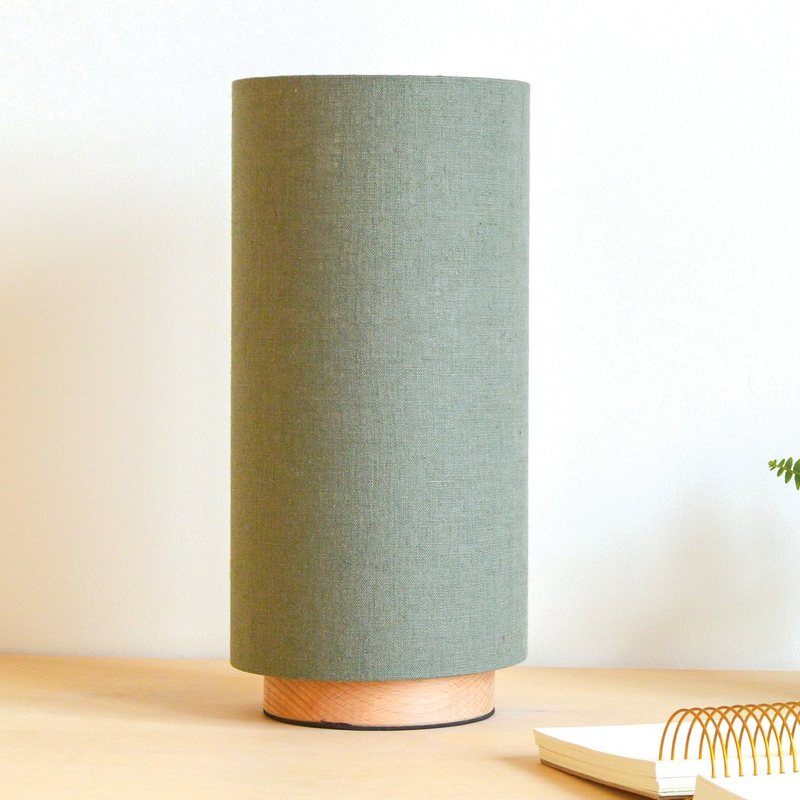
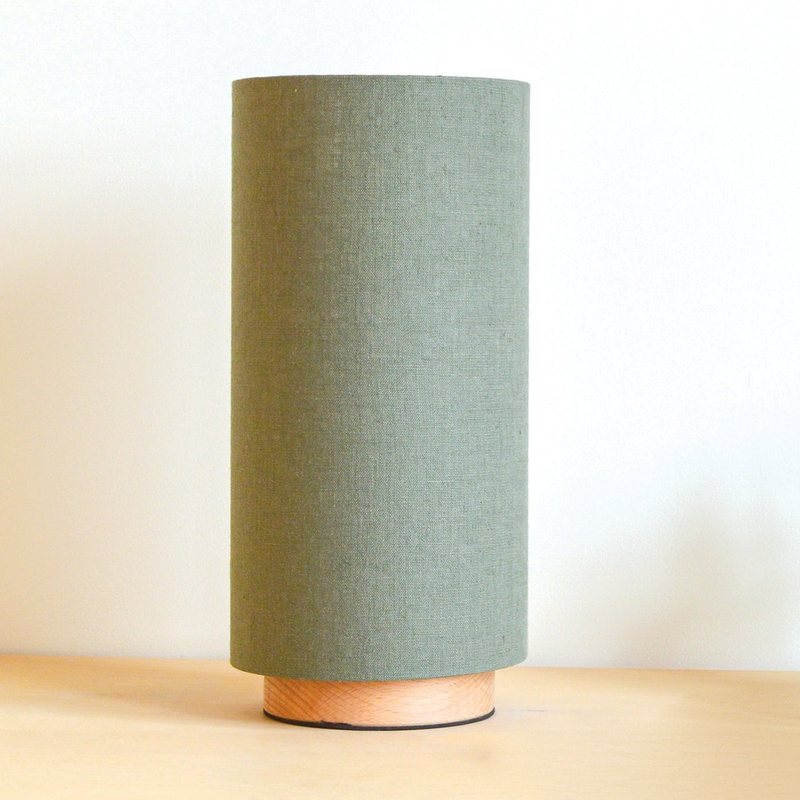
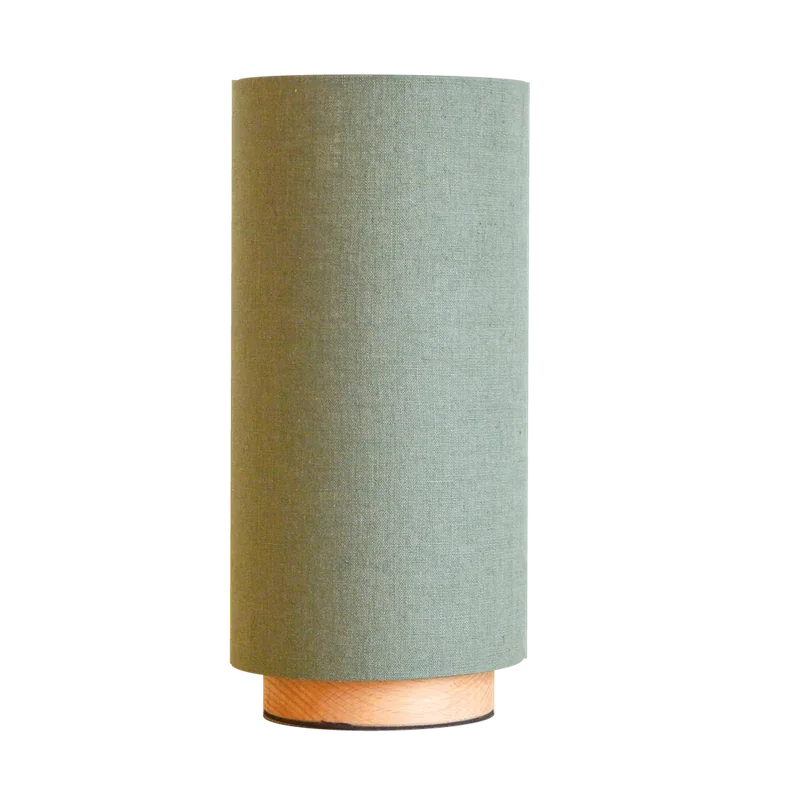
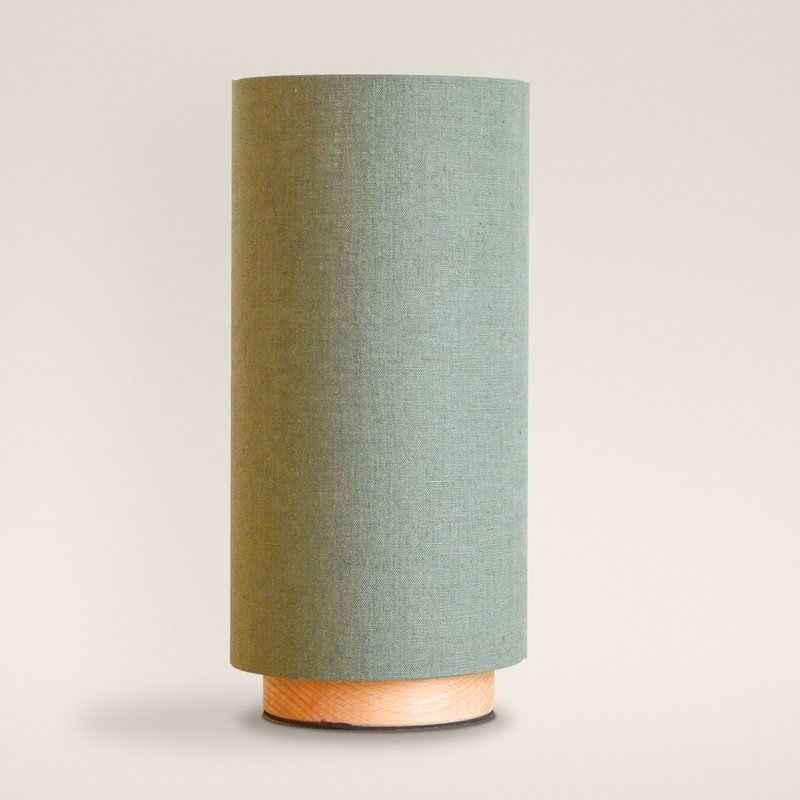
new sage lamp in the shop!! linen shade on an oak base, looks lovely on a desk. £105. made to order so 2 weeks ish
Photos to follow once the sun comes out.
Your turn: click into the page and write, or select some words and ask Pip.
Inside everything you make.
Pip works inside your notes, photos, spreadsheets and slides, not in a chat box. Open a file, ask Pip, and the change lands in it.
Newsletter: October
Some ideas
- mustard scallop finally in the shop, only one
- drum workshop sun 18 oct, 2 places left
- lino printing day sat 7 nov, 6 places, £110, you take your shade home
- last christmas post 18 dec
- say thanks for the summer!!

| Product | Price | Materials | Your time | Postage | Cost to make, worked out as Materials + Time + Postage | Margin, worked out as (Price − Cost) ÷ Price |
|---|---|---|---|---|---|---|
| Large scallop | £350 | £38 | £60 | £12 | £110 | 69% |
| Medium scallop | £300 | £30 | £50 | £12 | £92 | 69% |
| Gathered drum, 35cm | £220 | £22 | £40 | £10 | £72 | 67% |
| Sage slim lamp | £105 | £42 | £20 | £8 | £70 | 33% |
Drum workshop steps
- Cut the panel to size
- Stick the fabric on
- Roll it round the rings
- Tuck in the edges
- Trim and finish

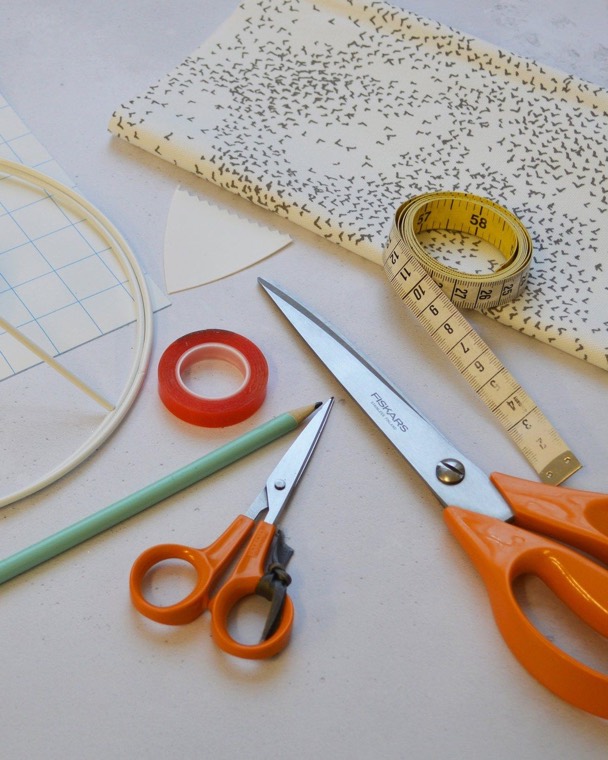
to sizeMeasure twice. The panel sets the size.


the ringsKeep it tight and even.
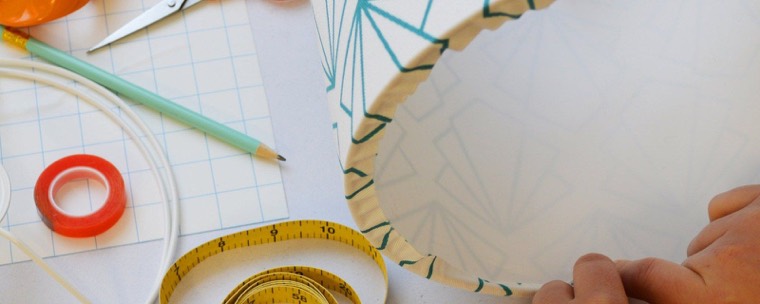
finishThen take it home.
30cm £250
40cm £300
50cm £350
| Month | Shades | Workshops |
|---|---|---|
| Jan | £1,320 | £540 |
| Feb | £1,440 | £660 |
| Mar | £1,620 | £960 |
| Apr | £1,500 | £960 |
| May | £1,920 | £1,620 |
| Jun | £1,620 | £1,380 |
| Jul | £1,740 | £1,620 |
| Aug | £2,040 | £1,860 |
| Sep | £2,400 | £2,160 |
Your turn: open a file along the top, then ask Pip on the right.
From a few ideas to a month of posts.
Small businesses spend hours on social media. Here's one job, start to finish, in Pip: your rough ideas become a month of posts, with the captions written and the photos picked. You ask, and Pip works in your files.
Notes › Social
Social ideas
- behind the scenes making a scallop
- workshop photos
- new sage lamp!!
- christmas gift guide?
- lampshades in customers' homes
Tables › Social
November posts







6 more
Your turn: add an idea to the note, or ask Pip to plan it.
Explain once. Pip remembers.
Pip learns about your business from your own notes: your customers, suppliers, prices and how you like to write. So you don't have to explain yourself every time, and you can see everything Pip knows.
Ask anything about your business
answered from your own notes
Looked in your notesLooking in your notes
£38 in materials, from Costs: large scallop, and £12 to send it. Your time isn't in there yet.
Looked in your tablesLooking in your tables
Two, from your Workshops table. The drum workshop's on Sunday 18 October, £40 each.
See who and what Pip knows
customers, places and suppliers, picked up from your notes
What Pip knows › People and things
Picked up from your notes as you work. Open one to see what Pip knows, and where it learned it.
Customer
Sarah Green
Runs Hove Gift Co, a shop that stocks your scallops.
- Reordersabout every two months
- Last ordersix medium scallops, 3 Oct
- Likesthe mustard and the green linen
From Orders Visit to Hove Gift Co
The right AI for every job.
Pip picks the right AI for each job, so you never have to think about it. Matching the AI to the job keeps costs down, and that keeps Pip affordable.
- Picked for you. Each job goes to the AI that suits it, and every answer says which one it was.
- Affordable by design. Paying only for the AI each job needs is how Pip keeps its price low.
- Not tied to one company. Pick any of the top AI providers yourself. If one puts its prices up, Pip isn't stuck with it, and neither are you.
Ember, Hearth and Low Sun. Ember suits the mustard best.
Pip's choice · Claude Sonnet 5
Looked in Costs and Oak & CoLooking in Costs and Oak & Co
£140 would do it, but that's a third more than now. The oak base is the big change. Oak & Co's £6 rise in September took six points off your margin by itself. I'd go to £120 now, which gets you to 42%, and ask Oak & Co what twenty at a time would cost.
Claude Opus 5.5 · this chat
Kept on your Mac. Kept out of training.
Big AI companies often learn from what people type. On the Pip subscription, what you write isn't used to train AI, by us or by the companies that run its AI.
-
Your files.
Saved as ordinary files on your Mac. Back them up, open them in other apps, take them anywhere. No company can lock you out of your own work.
-
No training.
On the Pip subscription, what you write isn't used to train AI: not by us, and not by the companies behind its AI. Your work stays your work.
-
EU servers.
On the Pip subscription, Pip's AI runs on servers in the EU, where privacy laws are some of the strictest in the world.
-
No tracking.
No ads and no analytics. Your data is never sold, or used to sell you things.
Real support. From me.
Big AI companies give you a help centre. Pip gives you me, the person who builds it, to help you get it working in your business.
- A reply from me, not a ticket number.
- A quick call when typing won't do.
- Your ideas shape what I build next.

Haydenat Pip
Today, 9:14Hi Sam,
I had a look at your sales sheet. If you ask Pip to turn it into a dashboard, it'll keep itself up to date as you add sales.
Happy to show you on a quick call. Does Thursday work?
Hayden
Pip does the legwork. You make the call.
£18 a month. Try it free for 14 days, no card details needed.

The lampshades on this page are real. They're from Lume Lighting, my partner Jo's studio in Hove. The customers, orders and figures in the sample are made up.
See Jo's lampshades